

 Use on unlimited websites
Divi Extras can easily transform the appearance of a blog page that is executed on the divi and extra theme. All available blog designs are highly customizable from the builder and can also be canceled on the child theme to obtain a completely new design. Customize the divi blog module as you want.
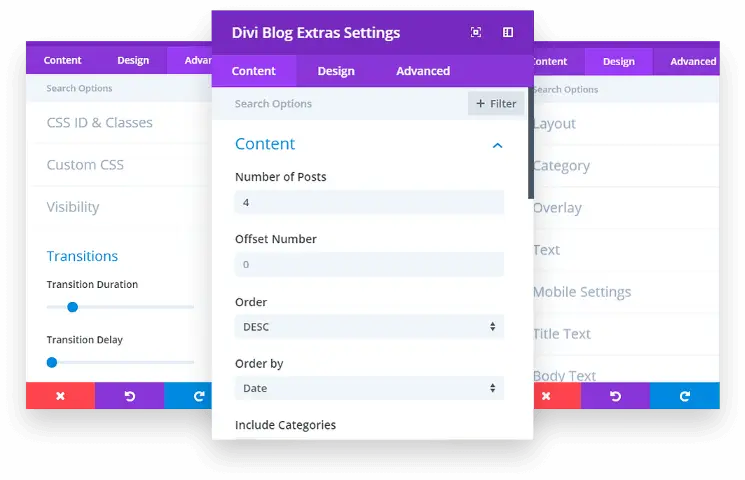
10 Blog designs for divi
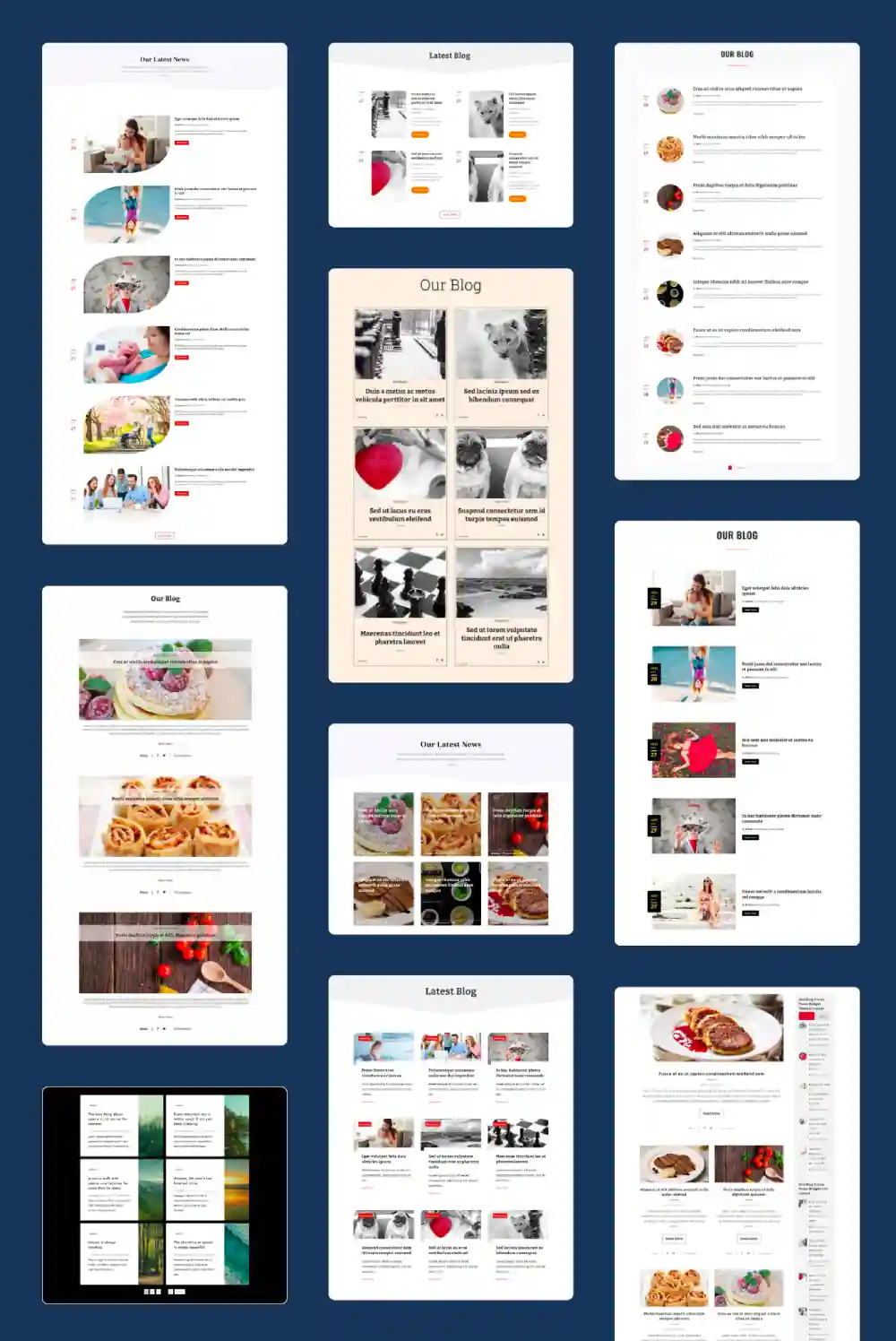
In addition to the two designs available in the predetermined blog module, Divi Extras has 10 Beautiful blog page designs. And just a few clicks, You can create a wonderful blog page in a short time with the available blog design options.
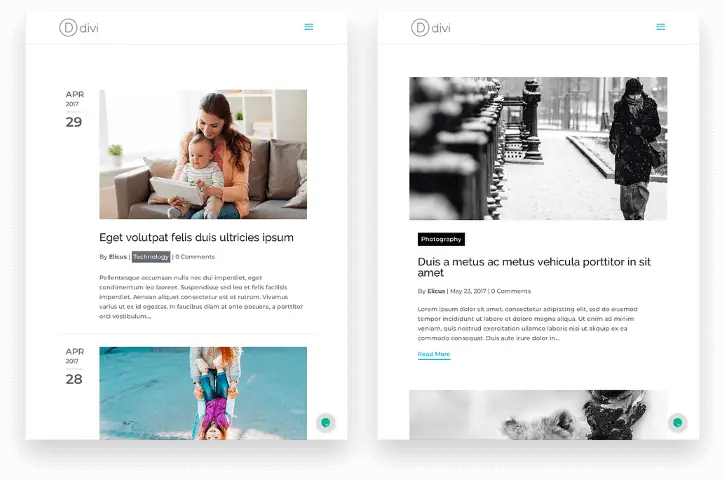
The latest additions to the module are the designs oflist yVertical grid.
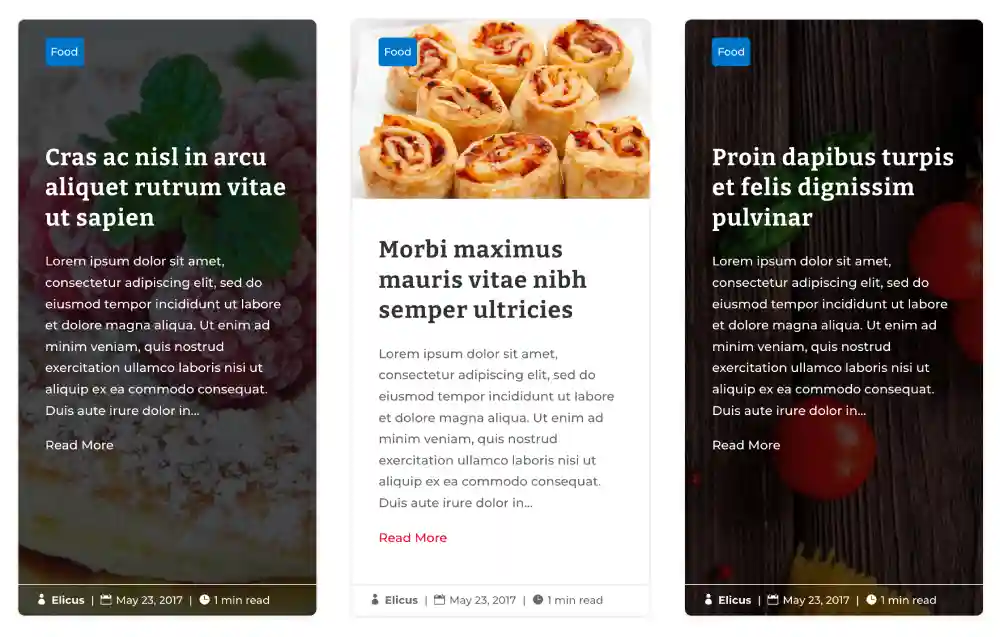
With these new designs, You can show publications on the optimized list and the grid that admits up to 5 Columns and personalized spacing.
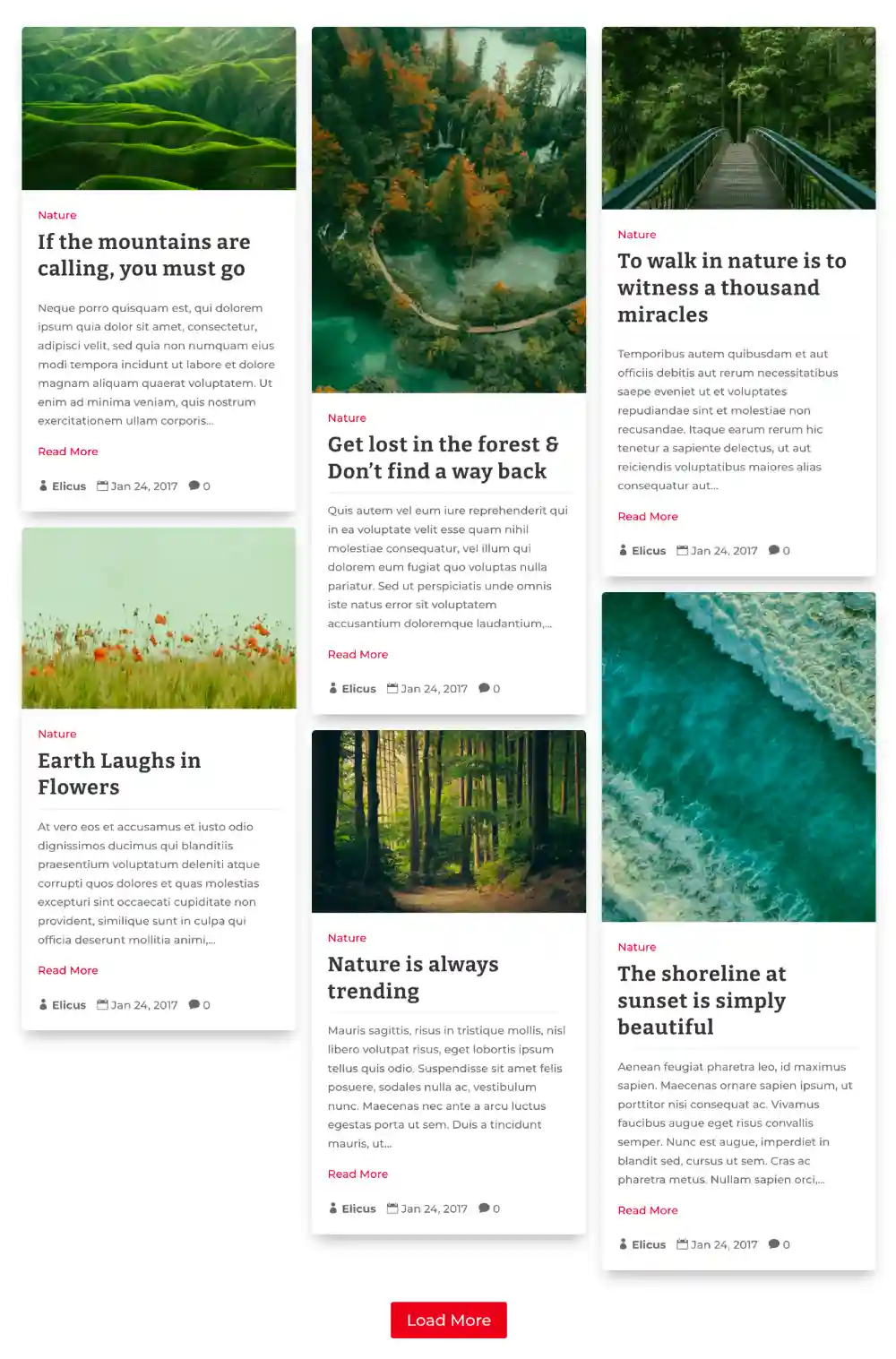
Show publications on the blog page in a masonry design
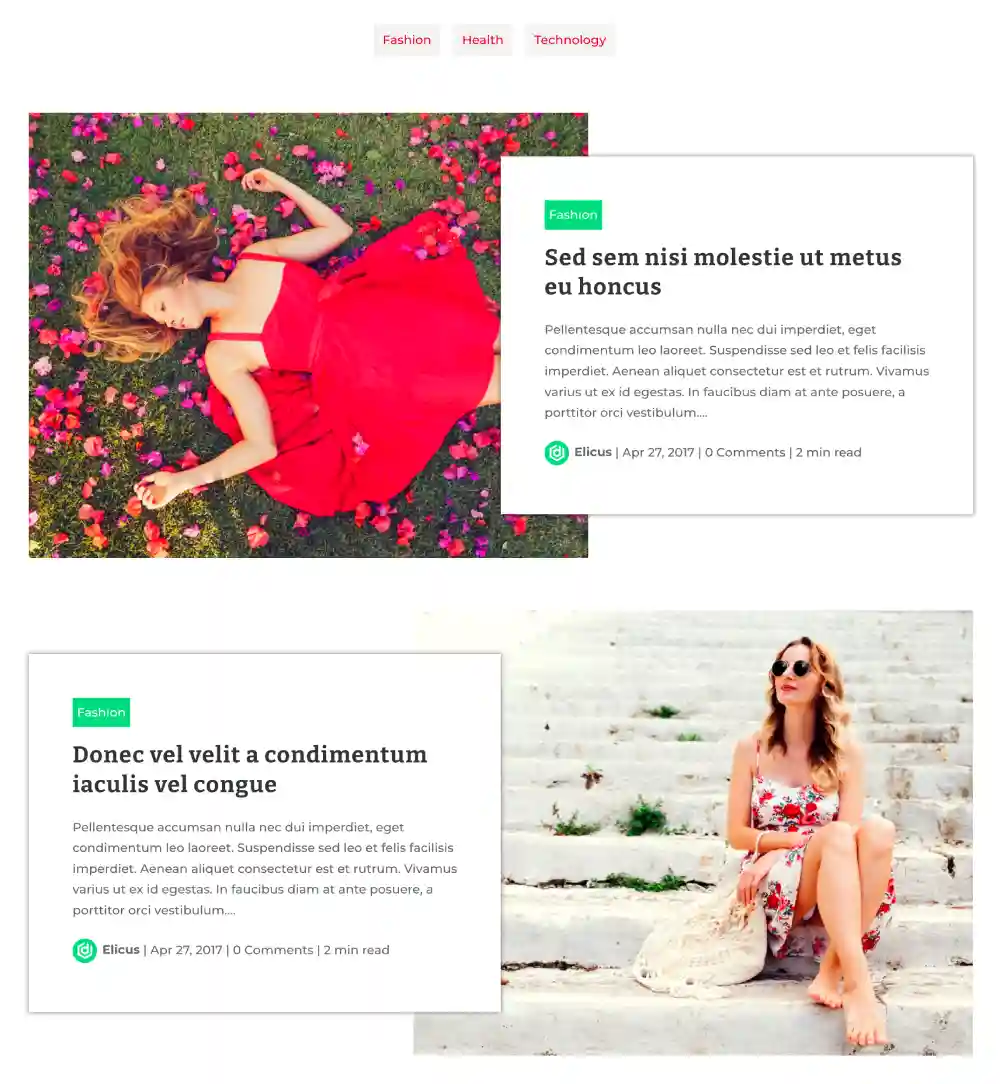
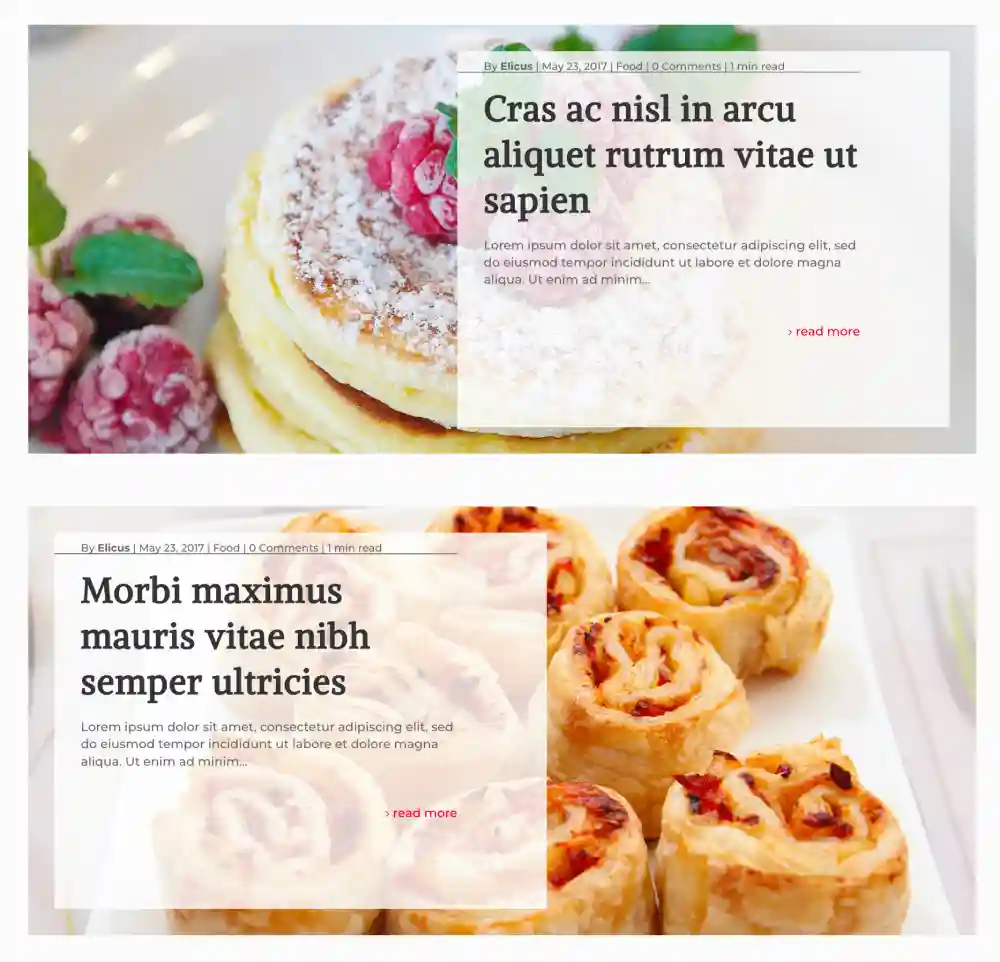
Increase the participation of the users and the duration of the session with the masonry blog design that allows you to place blog posts in a masonry design. And not just a simple masonry design, but with different attractive variations on the masonry blog page: Vertical grid, Extended grid, Extended block and background cover. With this design of the Divi Blog Extras, can define the number of columns for masonry up to 5 columns. Besides, personalize the space of the columns, Change the position of the outstanding image, show the filter of categories and many more interesting functions so that your divi blog page is highlighted.
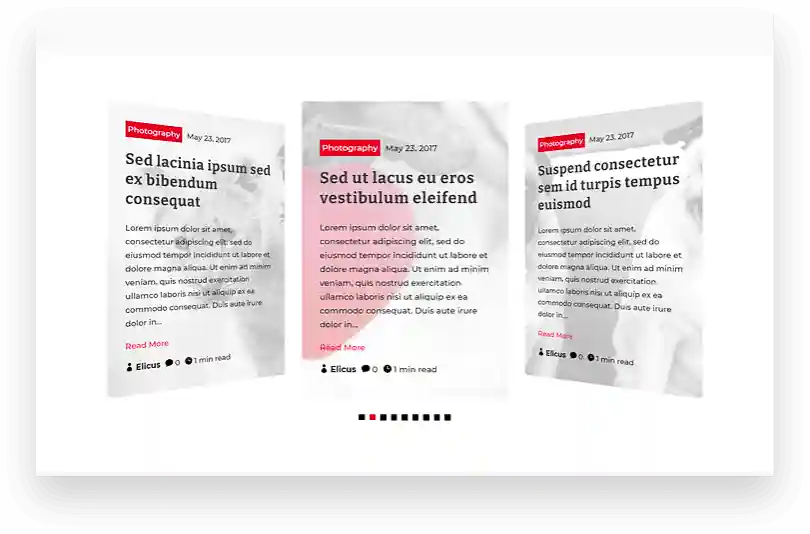
Create blog pages that can slide in different styles
The new aggregate control design to the Divi Blog complement allows you to create blog pages that can slide publications in an interactive carousel. Includes 4 different sliding control variations, which allows to provide diversity to the blog pages of its divi website, showing different publications of different categories. It's not that; The sliding control design also adds different sliding control effects (Coverflow, Cube, Slide y Flip) To maximize the interactivity of your Blog page of the Divi slider, as well as the appearance.
With these, You can also show sliding arrows, pagination points; Enable sliding loop, The automatic reproduction slider, Personize the publications space, Define the amount of publications per slide and more. See the demonstration to see the design of the sliding control that works in the best way.
Facilitates the selection of publications with the category filter
The categories filter allows visitors to the website easily find their favorite topic on the page of your blog. Activate the filter whenever you need it. You can customize the categories filter of your blog to match the design specifications of your website. It also allows you to change the background color of the text of the active and inactive category, Apply text customizations and show/hide links ‘all publications’.
Besides, Define the order in which the filter must show the publications and maintain a specific active category by default while the page is loaded or opened.
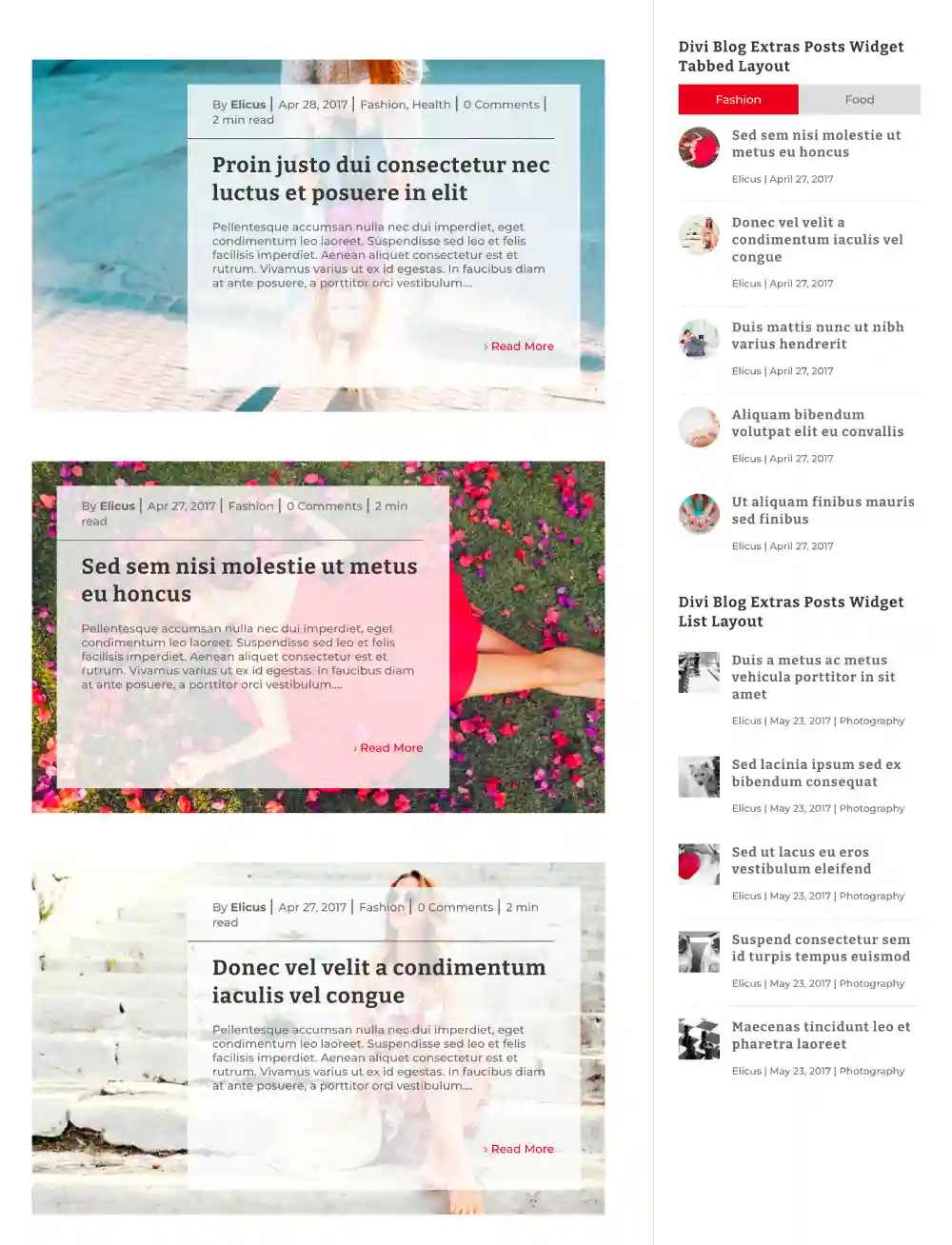
Divi blog module with advanced sidebar widget
There are two options available to show the publications in the widget of the sidebar in enriched format. These two options are the view with tabs and the list view with customization option to include outstanding image, Meta author control and more.
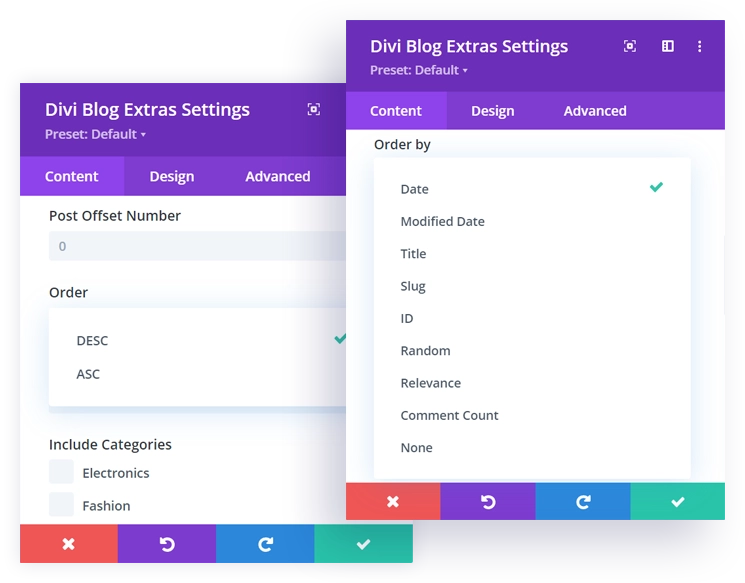
Order and order the publications easily
Divi Extras allows you to organize the publications of your blog in a specific order according to date, The modification date, The title, at id, the count of comments and many other attributes. Show them in ascending or descending order according to their requirements. This feature helps give your blog a more current and orderly appearance.
Responsive Blog Pages
All Divi Extras designs respond to the device and are highly customizable. With the ability to control the source size and the highlights on mobile devices, This complement can maintain an adequate user experience without slowing down the site.
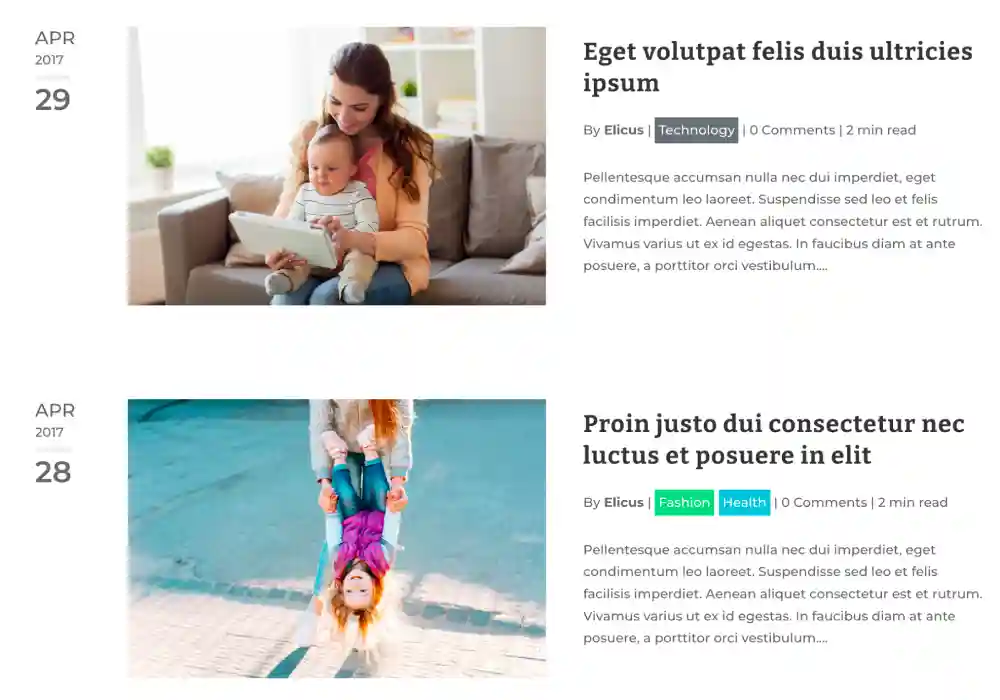
Show personalized/manual publication extract
If you are using a manual extract for publication and show it on the blog page, You can easily do it with Divi Extras. Offers a dedicated option to activate the presentation of publications extracts with a single click.
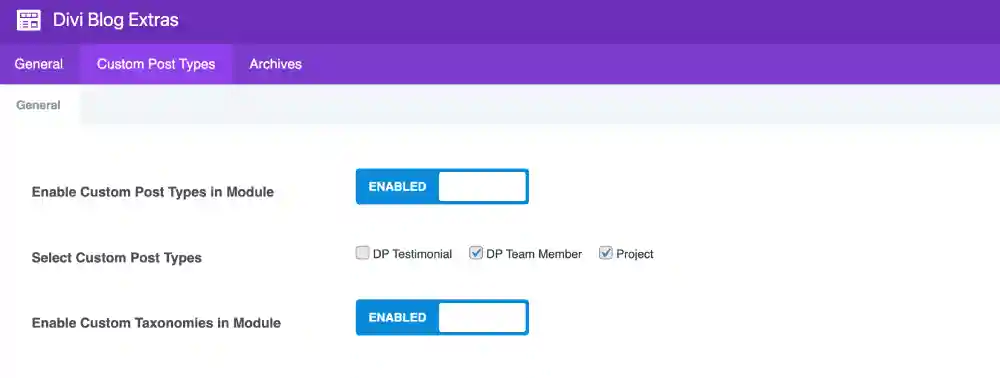
Compatibility with personalized publications
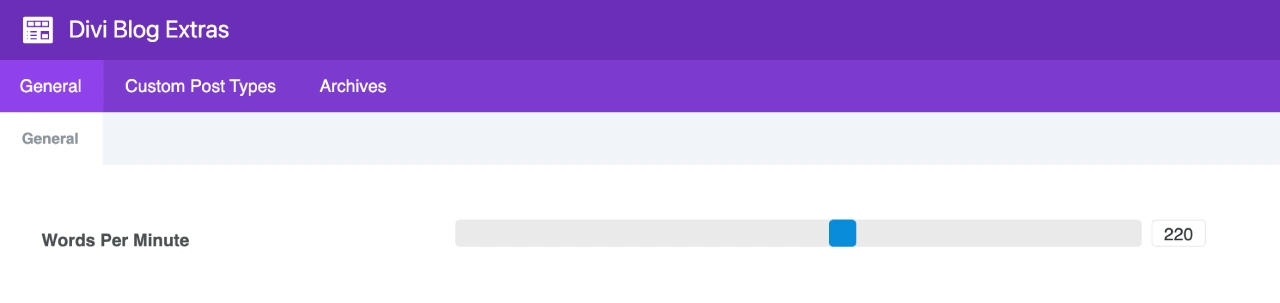
Blog reading time support
Blog pages with support for categories, label, authors and dates
This newly introduced feature allows you to create a custom category file page in the Divi builder. This is really exciting for users who want to design their personalized category file page and also add other divi modules in it.
This provides great control over the upper and lower area of the category file pages that may include CTA, subscription form or almost anything that can be created with the divi builder of which other divi accessories for blog pages lack.
With the confidence of 50,000+ Websites
Divi Extras Blog now promotes more than 50,000 Websites that are executed in Divi, Extra y Divi Builder Plugin. With many functions implemented based on the requests for functions of users, It is one of the favorite user options select Divi Blog.
Frequent updates
Like other divi premium plugins available in divi extended, Divi Blog Extras is also regularly updated to work with the most recent version of WordPress, Divi and the extra theme. Launched in 2017 And still receiving improvements and updates of functions in a timely manner.
Download 60+ Personalized blog pages created with Divi Blog
In addition to the Blog Module Divi designs incorporated, We also have a collection of full blog pages created with Divi Blog Extras that can be downloaded and imported on your website. Check out these pre -designed designs if you want to go further and achieve even more with Divi Blog. If you are looking to create a divi specialized blog, You can also use these designs in your existing site instead of a blog theme specialized in Divi and assign these designs to different categories so that they coincide with their needs.






Reviews